How we stitch 360 on our own RTX 4080.
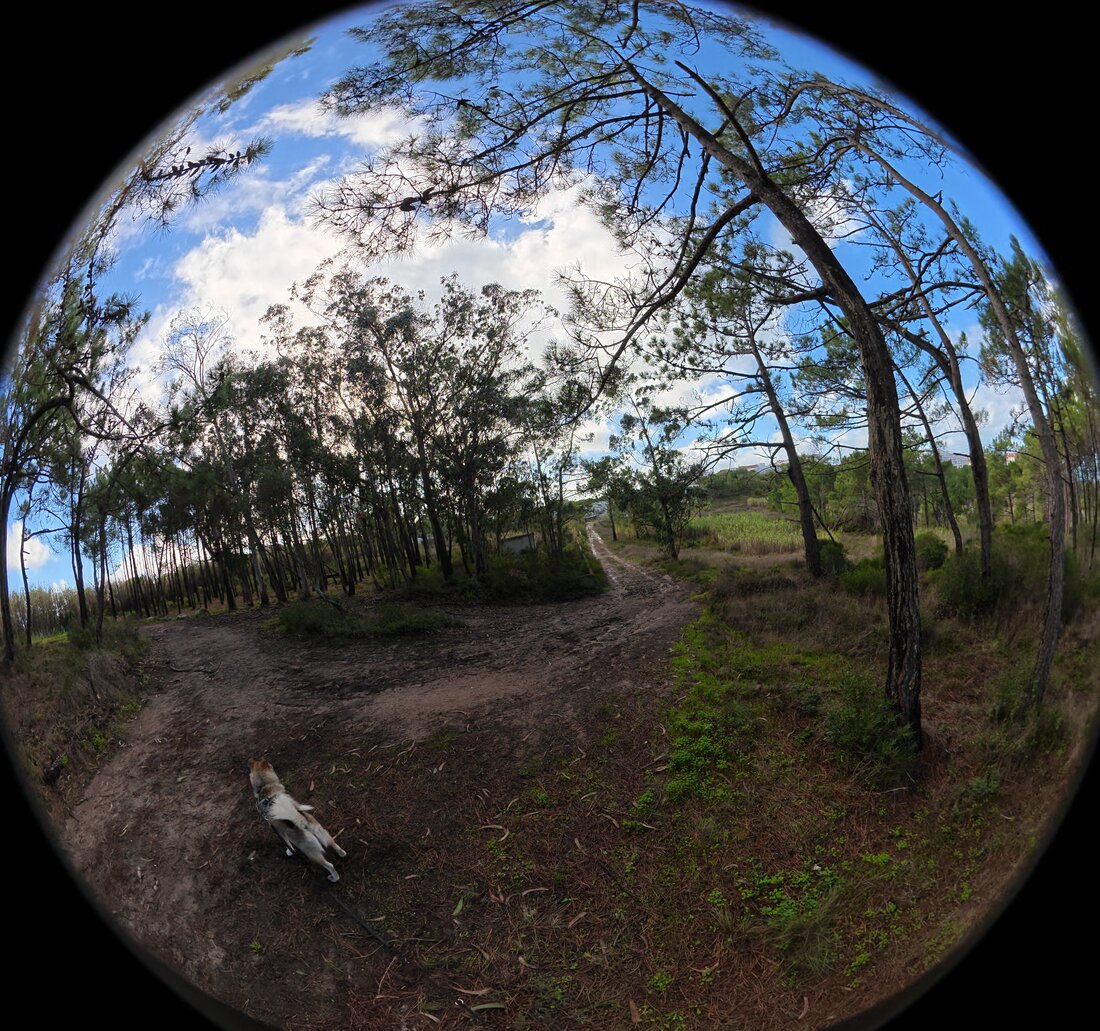
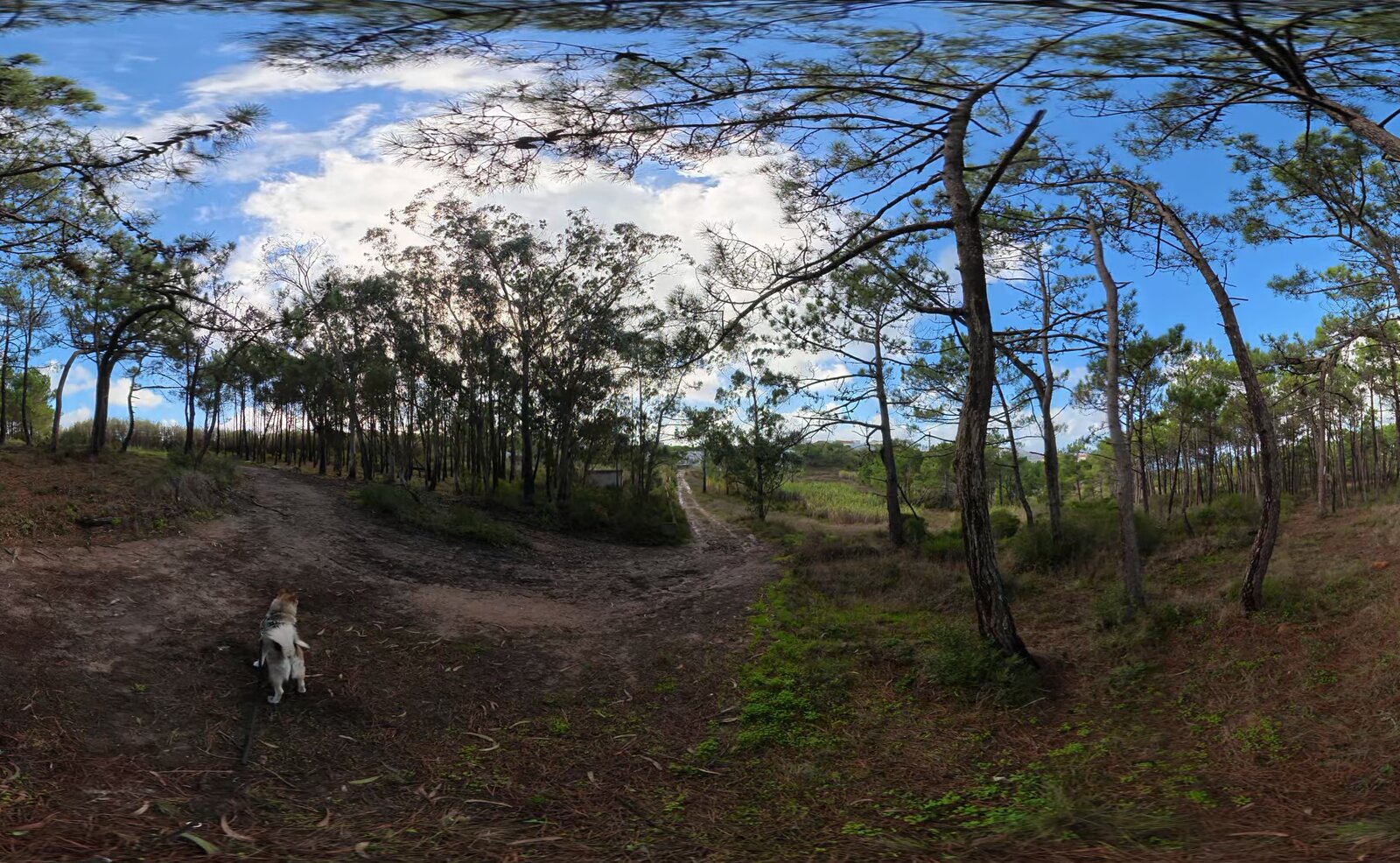
A 360 camera records two round pictures, one through each lens. We join them into a single scene on a graphics card in our own workstation, with nothing sent to a cloud service.
- 3 min 11 sto stitch this seven-minute clip
- 0.45 sof work for each second of footage
- 3840 × 1920stitched, 10-bit H.265
The stitch
What the stitcher does
Each lens sees a little more than half the world. Three steps turn two circles into one scene you can look around in, or cut into an ordinary film.
Line up
The two pictures are matched where their views overlap, using the camera's own lens calibration.
Blend
Optical flow moves the pixels along the seam so nearby objects join without a visible line.
Level
The camera's motion data turns the scene upright, so the horizon stays straight however it was held.
The set-up
What it runs on
- Camera
- Insta360 X6
- Graphics card
- NVIDIA RTX 4080 laptop GPU, 12 GB
- Stitcher
- Insta360 MediaSDK 3.2.0 in a container, optical-flow stitching
- Output
- 10-bit H.265, the size the camera recorded at
Getting it right
Four things that make a clean stitch
The settings that matter most, learned from stitching our own footage.
Stitch at the size you shot
Each lens records 1920 × 1920, so the honest result is 3840 × 1920. Stitching larger only upscales. For more detail, shoot in the camera's 8K mode.
Stabilise to suit the shot
For a walk, stabilisation keeps the horizon level and the view steady. For a camera on a fixed mount, turn it off so separate clips line up exactly.
Fix LED flicker afterwards
Indoor lighting can pulse from frame to frame. Removing it during the stitch is ten times slower, so we stitch first and even it out in a fast second pass.
Run one stitch at a time
The card is already working flat out. Three stitches at once finish barely sooner than one, so we queue them.